
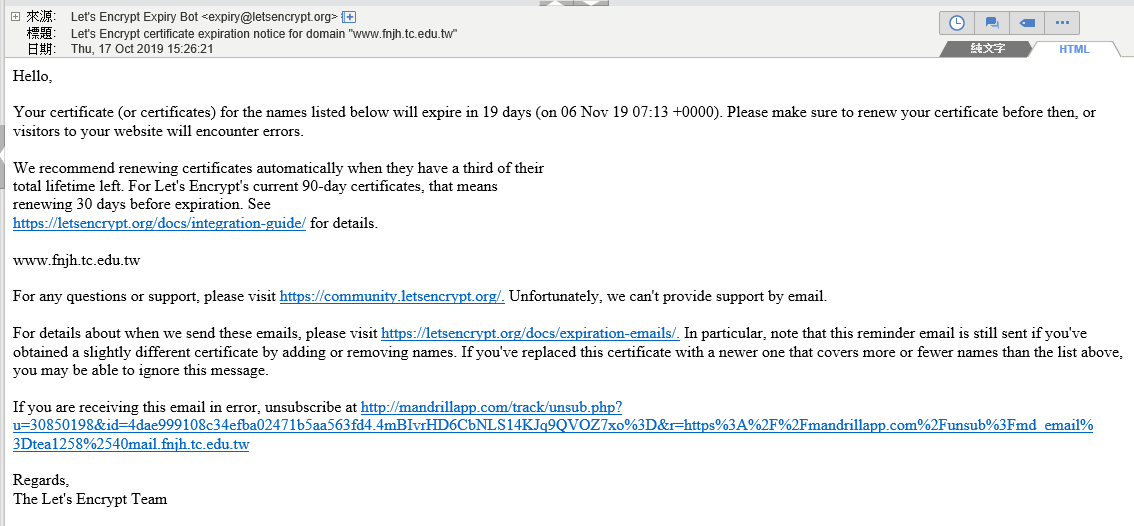
稍早收到 Let's Emcrypt 的 E-mail 通知, 說我的憑證有效期剩 19 天, 要趕快更新。
這個方法在我的 FreeBSD 11 已驗證有效確實可自動更新
1. 建立一個 renew_letsencrypt.sh 檔案
#!/bin/sh
if ! /usr/local/bin/letsencrypt/letsencrypt-auto certonly --renew-by-default --agree-tos --webroot --email youremail@mail.edu.tw -w /usr/local/www/apache24/data/www/web -d www.fnjh.tc.edu.tw > /var/log/letsencrypt/renew.log 2>&1 ; then
echo Automated renewal failed:
cat /var/log/letsencrypt/renew.log
exit 1
fi
service apache24 restart
if ! /usr/local/bin/letsencrypt/letsencrypt-auto certonly --renew-by-default --agree-tos --webroot --email youremail@mail.edu.tw -w /usr/local/www/apache24/data/www/web -d www.fnjh.tc.edu.tw > /var/log/letsencrypt/renew.log 2>&1 ; then
echo Automated renewal failed:
cat /var/log/letsencrypt/renew.log
exit 1
fi
service apache24 restart
-w 是指網站根目錄
-d 是註冊的網址
--email 後面要加管理員的 email
2.把這個檔案設為可執行
chmod 700 renew_letsencrypt.sh
3. 加入自動執行的指令
在 /etc/crontab 裡的寫法, 每兩個月的某日某時某分, 自動跑一次更新 ,下面這個例子是指每 2,4,6,8,10,12 月的 17 日 17:20 進行
20 17 17 2,4,6,8,10,12 * root /root/renew_letsencrypt.sh
4. 要確認執行有沒有成功, 可以從 /var/log/letsencrypt/renew.log 查詢 log 檔
END
