為了架一個測試網站介接openid
所以在proxmox上開了LXC container
使用debian8+apache2+mariadb+php5
下載drupal資料夾解壓完後卻無法連到開始設定的頁面
請教本和大神後
終於學到因為php5是獨立執行的服務
所以需額外安裝 libapache2-mod-php5 這個模組並重啟apach2
就成功了
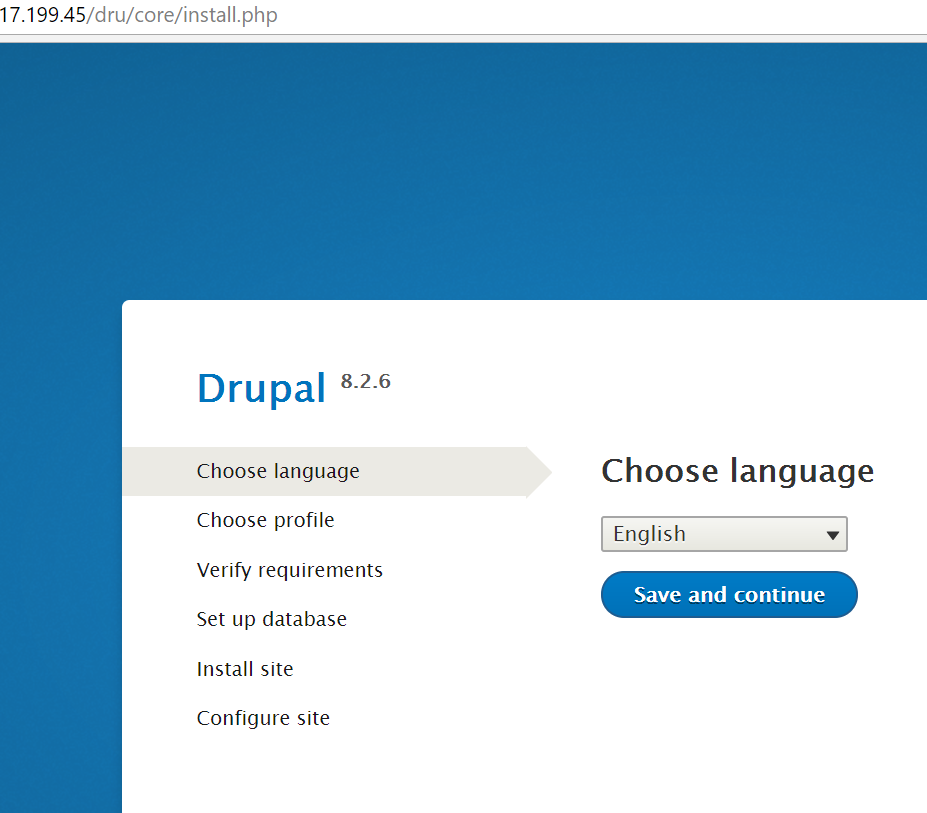
END
為了架一個測試網站介接openid
所以在proxmox上開了LXC container
使用debian8+apache2+mariadb+php5
下載drupal資料夾解壓完後卻無法連到開始設定的頁面
請教本和大神後
終於學到因為php5是獨立執行的服務
所以需額外安裝 libapache2-mod-php5 這個模組並重啟apach2
就成功了
設定win10開機自動執行openvpn連接vpn server how to make win10 connecting to a vpn server automactically after booting up
在virtualbox如何壓縮vdi檔 using commands to reduce virtualbox's vdi file space
debian安裝drupal細節 設定apache2的細節
在debian9使用apt-key add gpg key from ubuntu keyserver
How to deal windows10 with lost bootloader issue 如何修復Windows 10 丟失UEFI引導 (bootloader)無法開機
使用群暉NAS內建VPN SERVER套件的OPENVPN功能注意事項 使用群暉NAS內建VPN SERVER套件的OPENVPN功能注意事項
debian安裝drupal細節 設定apache2的細節
nginx+ssl+certbot安裝設定雜記 using certbot on nginx to setup https connection
設定win10開機自動執行openvpn連接vpn server how to make win10 connecting to a vpn server automactically after booting up
安裝netbeans9遇到的小狀況 how to show netbeans9 program onto ubuntu desktop
更新程式取消google recaptcha改用輸入驗證碼 update cnclibs to 0.0.8.6

