很久很久以前……看起來像童話故事的開頭,不過幾張相片真的放超級久了。
二年多年前的一個夏天,一群孩子來到國小操場邊玩,這兒的泥沙跑道是小朋友玩沙沙的最愛。(現在~跑道已經PU化,就只能在跳遠沙坑玩沙了。)
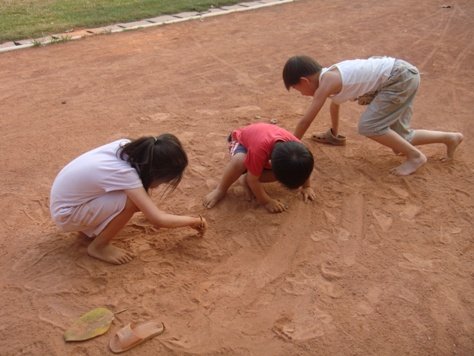
玩沙沙,不是會髒兮兮的嗎?
衣服弄髒沒關係,回去再洗就好,玩沙、玩水、撿石頭是小朋友的天性。
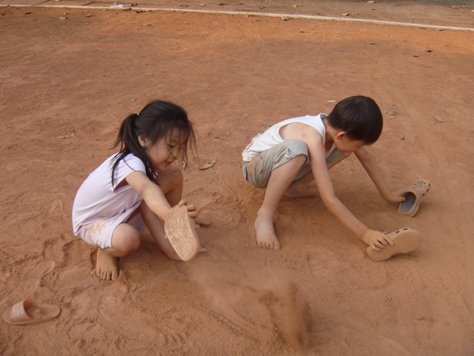
就這麼,姊姊小蒨、表哥小宇兒玩起來了,拖鞋也是玩沙最好的道具。
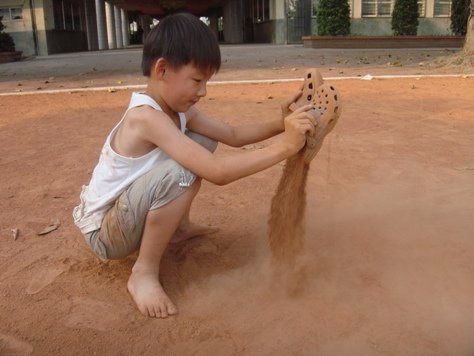
沙子的粉塵細,揚起,依輕重而飛,輕、顆粒小的飛得遠,重、顆粒大的飛得近……。
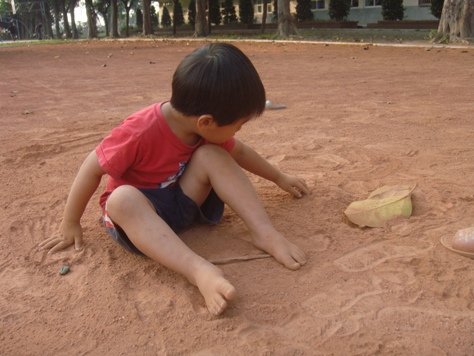
當時才二歲多的小阿翔還會玩垃圾,撿回收物裝沙、裝水,這點~和他媽媽很像。
阿翔的媽媽有時候要做個什麼動手做實驗,都會去翻垃圾桶(回收桶),讓待回收的垃圾再發揮功能。
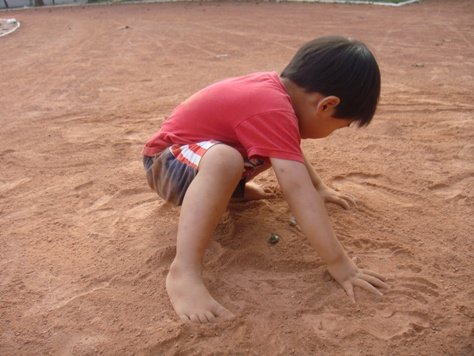
小翔翔在玩啥?把什麼東西埋在土裡?在玩什麼?
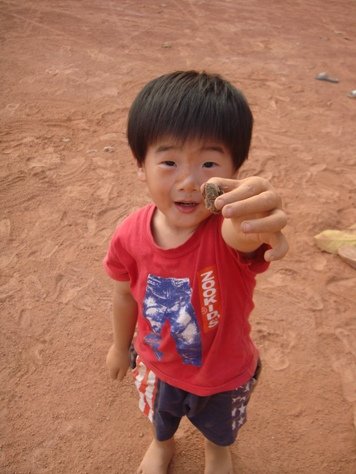
他比給我看:『是這個』!
沒看清楚,叫他拿給我看。怕我拿走,小阿翔把東西緊握在手中。
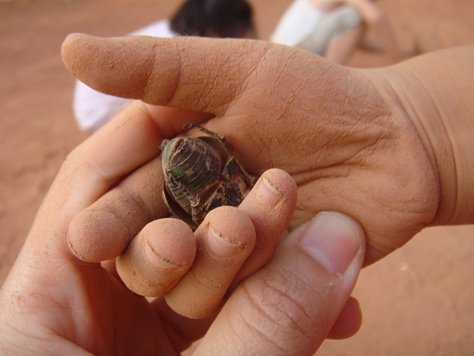
打開緊握的手掌,露出裡頭的"一隻金龜子"。
『怎麼玩起金龜子了?』媽媽帶有責怪的口吻,小朋友喜歡蟲子想跟牠玩,但若是拿捏不好,蟲蟲可能不小心會被弄死,千萬不能讓孩子有殘害小昆蟲的念頭。(其實媽媽小時候也有玩過,當時還是用線綁住金龜子的一隻腳,讓牠轉圈圈地飛,還曾餵牠西瓜皮.....)
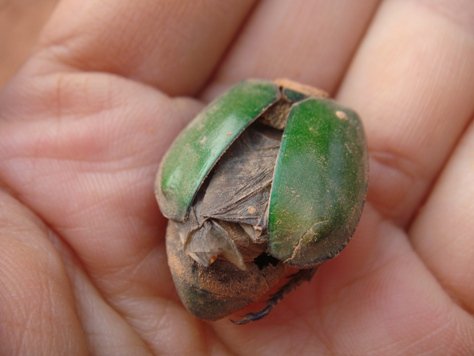
金龜子為鞘翅目,折疊起的黑色部份才是牠飛行用的翅。
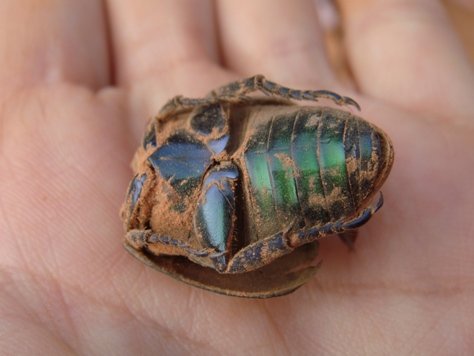
再仔細一瞧,這隻金龜子原來已經死了,頭早已不見了~只剩空空的軀殼。
看來這隻金龜子已經死很久了,柔軟的部份已經成為其他蟲蟲(例如螞蟻)的食物了。金龜子的殼~其實是牠的外骨骼,主要成分是由幾丁質構成。昆蟲的外骨骼可以保護體內的器官,也可以減少水分的散失。(附註:脊椎動物的骨頭長在身體裡面,叫做內骨骼;昆蟲的骨骼則是長在身體外面,稱為外骨骼。)
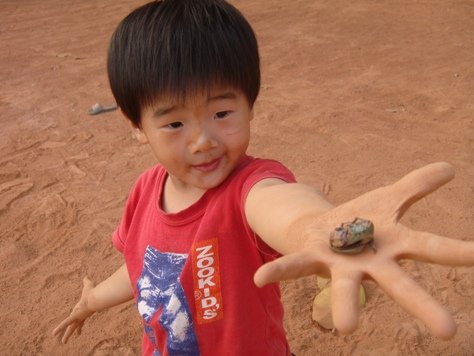
『這是我撿到的。』小翔翔把它當作寶物,這是一個小孩與蟲蟲的親密關係。
回家後發現,叫他把金龜子埋在土裡不要帶回家,結果這小子將它偷偷藏在褲子口袋,洗澡時幫他手洗褲子時才發現,嚇我一跳!
翔翔是愛蟲的男孩,這隻金龜子是他的寶貝。
這小子~也是我的寶貝。
*******
長大後(其實也沒長多大),再看這些相片,還有一些有趣觀察與疑問是我們當時沒想到的,例如:『為什麼金龜子的殼會有耀眼的金屬光澤?沒有頭還會活嗎?』
許多動物的身上有許多具有特殊光學性質的結構,例如昆蟲的外殼、魚的鱗片、孔雀羽毛等,金龜子背具有翠綠色的光澤,在光線的折射下會產生不同的金屬光澤變化。查了資料發現,這是因為:『金龜子的殼具有含有類似膽固醇液晶(cholesteric liquid crystal)的螺旋結構,結構中的缺陷使排列整齊的分子層間產生扭轉,因而反射光變成圓偏振光 (circularly polarized light)。 』產生炫麗的綠色金屬光澤,隨角度改變顏色,參考資料網站:http://physicsworld.com/cws/article/news/39909
至於『沒有頭還會活嗎?』翻查手邊的昆蟲Q&A (朱耀沂著,天下文化),其實沒有頭的昆蟲還會活! 平常我們說沒頭就沒腦並不適用於昆蟲,『 …對脊椎動物而言,腦是一切感覺、神經系統的中樞,因此有「腦死可代表死亡」的說法,但昆蟲的神經系統與脊椎動物大為不同,以腦為起點,從此延伸出一條較粗的神經索,神經索在每一個體節上有個由神經細胞聚會而成的神經節,從此分出許多司管該體節知覺運動的末梢神經。…這種神經系叫做「分散腦」或「並列腦」。 』牠們的身體具有稱為神經節的”腦”,就像中央政府與地方政府的關係,沒了頭仍能由神經節控制行為。
『但為什麼沒頭的昆蟲還是掛了?』關鍵不在腦,而是在於”口”,沒了頭少了嘴不能進食,蟲蟲是會餓死的呀!
分類:生活觀察(小花小草、景與物) 2011/11/03 13:57

